![Accountingprose_Horizontal_Logo_Primary.png]](https://1622111.fs1.hubspotusercontent-na1.net/hub/1622111/hubfs/Accountingprose_Horizontal_Logo_Primary.png?height=40&name=Accountingprose_Horizontal_Logo_Primary.png)
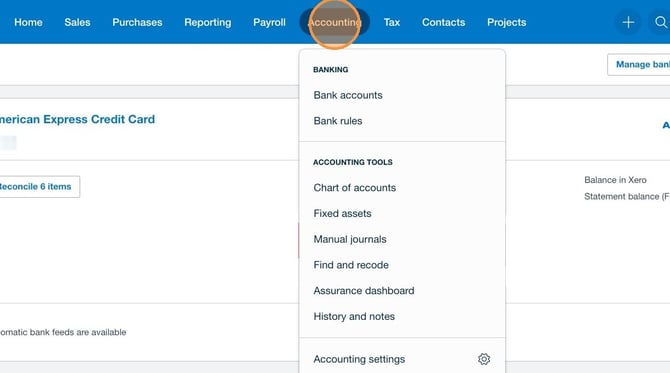
1. Click "Accounting" and Select "Bank Accounts"
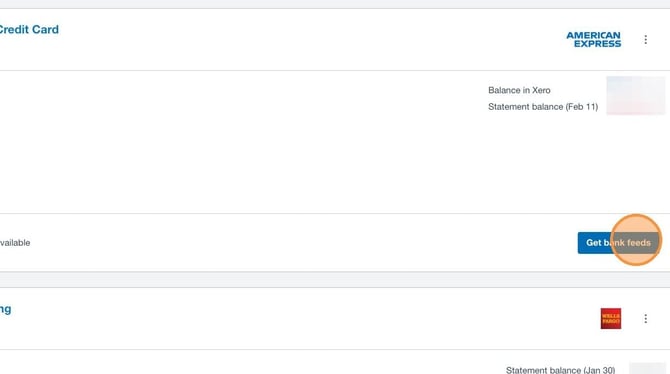
2. Find the Account You'd Like to Connect and Click "Get Bank Feeds"
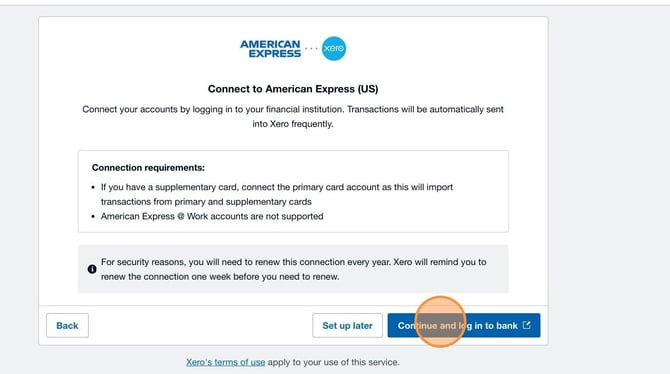
3. Click "Continue and Log In To Bank"
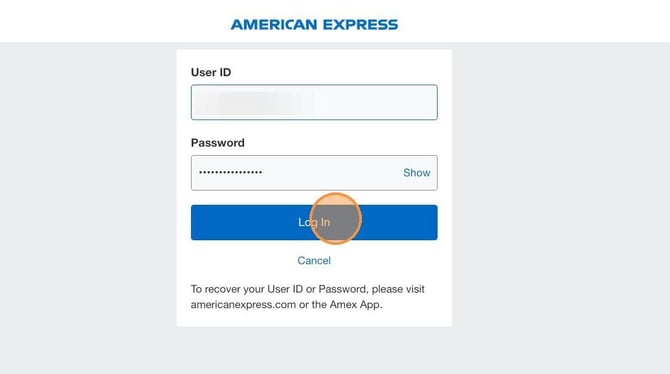
4. Enter Your Login Credentials and Click "Log In"
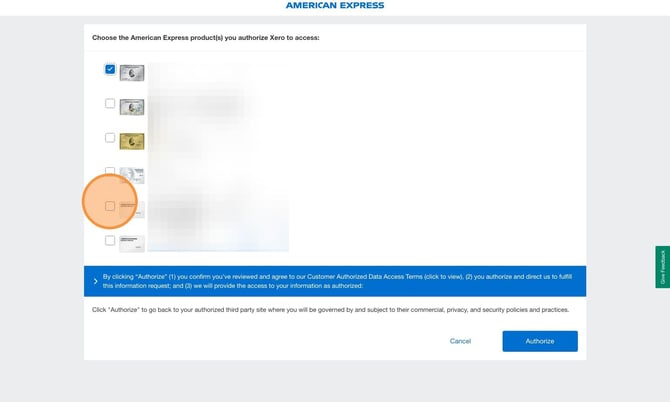
5. Select the Relevant Accounts
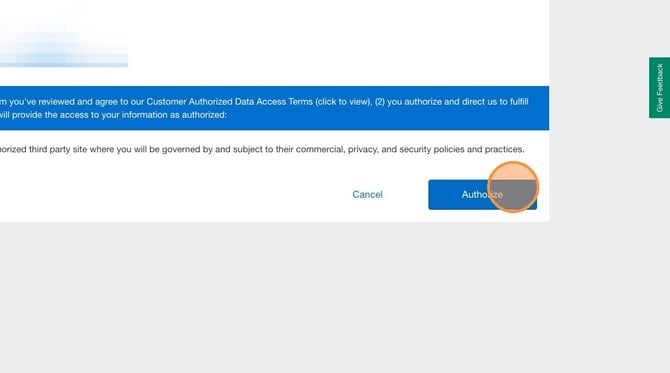
6. Click "Authorize"
7. Match Your Bank/Credit Card Accounts to the Bank/Credit Accounts in Xero
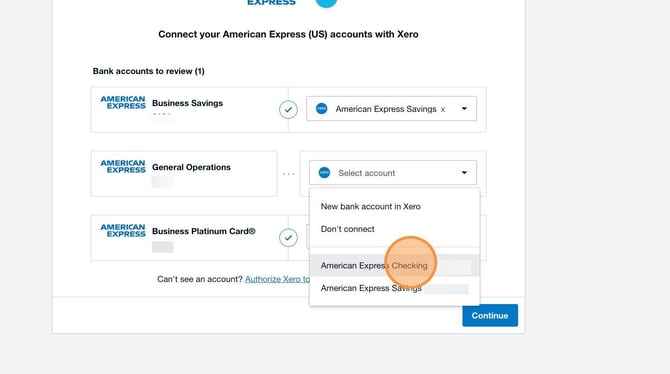
Notify us if you do not see a matching bank/credit card account. We can hop on a call to screen share and assist. Do not create a new account if there is already an account in Xero - this will create a duplicate account in your chart of accounts.
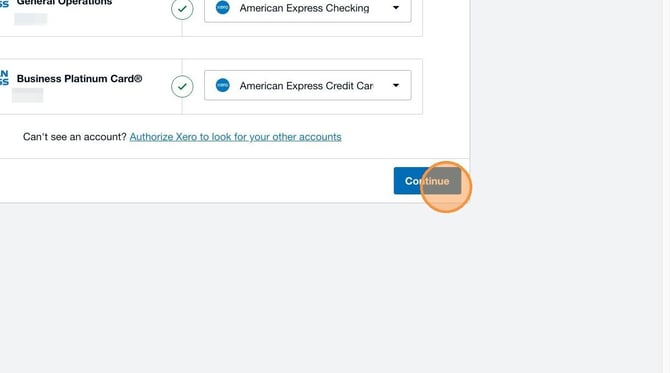
8. Click "Continue"
9. Click "Finish"
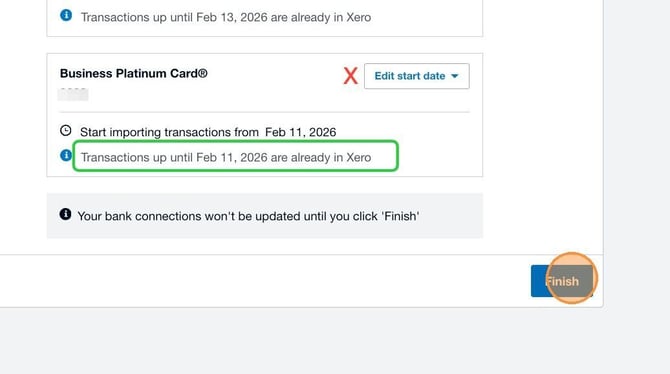
No need to update the bank feed start date. Xero will default to the last transaction date and, if there is anything missing, we can enter any missing transactions.